How to set up NeoIPTV on a Fire Stick
Install a player, paste your login, and be watching in under five minutes — even on an older Fire Stick.
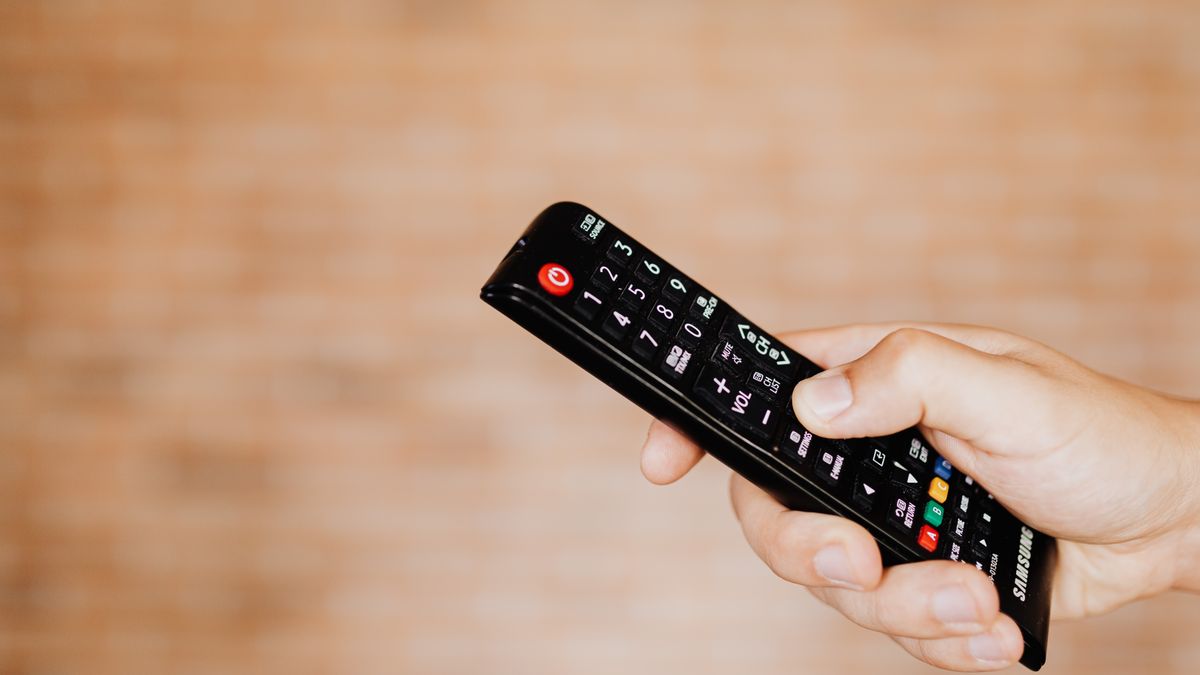
Setting up NeoIPTV on a Fire Stick is the fastest route to a working IPTV setup, and it takes about five minutes.
What you need
- Your NeoIPTV login — either an M3U link or API login (server URL, username, password)
- A player app installed on the stick
- A stable Wi-Fi connection
Install the player
- From the stick's home screen, open the search box and look for Downloader.
- Install Downloader, then allow it to install apps from unknown sources in Settings → My device → Developer options.
- Open Downloader and enter the player's APK download link.
- Install the APK, then delete the installer to save space.
Add your playlist
Open the player and choose Add playlist. If you have an M3U link, paste it. If you use API login details, choose the API login option and enter your server, username and password.
Finish up
Let the playlist load, open a channel, and give it a few seconds. If the channel list is empty, re-check the login for typos — a single wrong character breaks the whole list.
A free test line is the easiest way to confirm everything works before you commit to a plan.
Need a hand setting this up?
Send a photo of your screen by message and we'll walk you through it.
Get setup helpKeep reading
TiviMate setup: add your IPTV playlist in 5 minutes
TiviMate is the player most people end up keeping. Here is the fastest way to install it, add your NeoIPTV login and get the full EPG showing.
Install NeoIPTV on Android TV or Google TV
TV box, TV box, high-end TV box and casting device all load NeoIPTV the same way. Here's the short version.

Set up NeoIPTV on a smart TV
Smart TVs can run IPTV apps directly — no extra box required. Here's what works on a smart TV.