Install NeoIPTV on Android TV or Google TV
TV box, TV box, high-end TV box and casting device all load NeoIPTV the same way. Here's the short version.
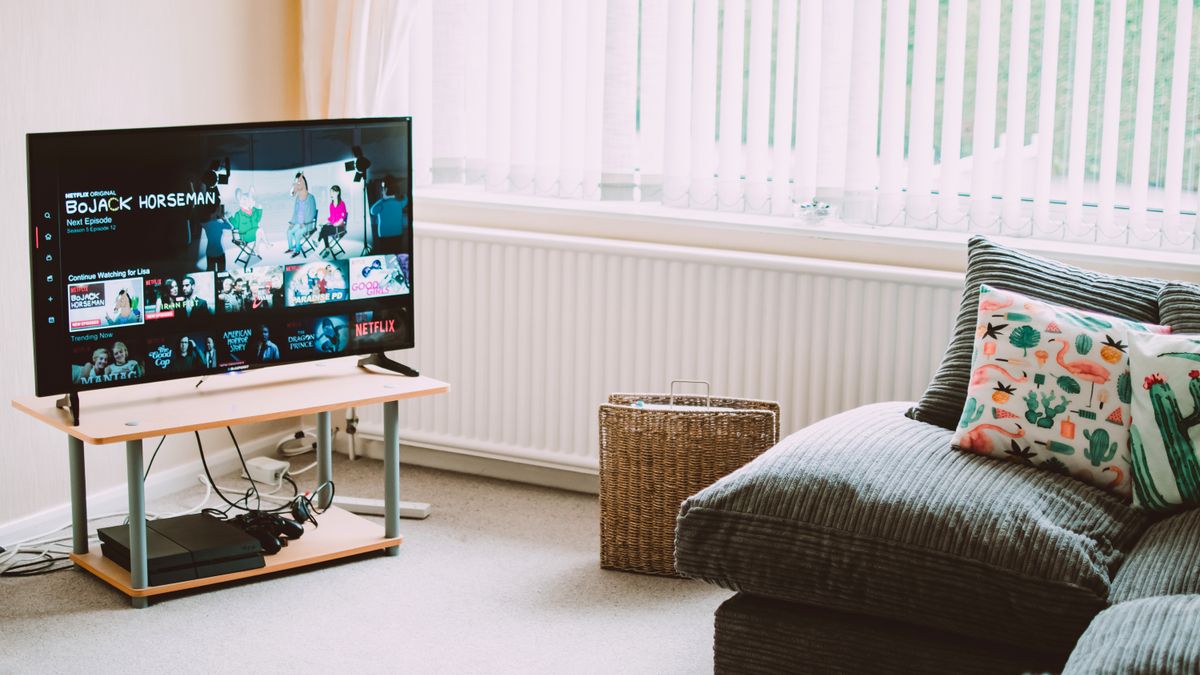
TV box and TV box are the friendliest platforms for IPTV because every major player has a native app.
Choose a device
The same steps work on the high-end TV box, casting device with TV box,, and most set-top boxes running TV box.
Install a player
- Open the the app store on your device.
- Search for the IPTV player (the free version is enough to start) or the IPTV app.
- Install the app and open it.
Add NeoIPTV
- M3U: choose the playlist option and paste your M3U URL.
- API login: choose API login, then enter your server, username and password.
Set the EPG
Your playlist already carries the 7-day EPG. If the guide looks empty, check that the EPG source is enabled in the player's playlist settings and refresh it.
Quick tips
- Use a wired ethernet connection when you can — it removes almost all buffering.
- Name your playlist so it is easy to find in the left menu.
If the app isn't in your region's the app store, sideload it with the Downloader app.
Need a hand setting this up?
Send a photo of your screen by message and we'll walk you through it.
Get setup helpKeep reading
TiviMate setup: add your IPTV playlist in 5 minutes
TiviMate is the player most people end up keeping. Here is the fastest way to install it, add your NeoIPTV login and get the full EPG showing.
How to set up NeoIPTV on a Fire Stick
Install a player, paste your login, and be watching in under five minutes — even on an older Fire Stick.

Set up NeoIPTV on a smart TV
Smart TVs can run IPTV apps directly — no extra box required. Here's what works on a smart TV.